
Welcome to WanAware
Learn what WanAware helps you understand and where to begin.
WanAware brings your Assets, their business context, and their Relationships into one place. Choose the path that matches what you need to accomplish now.
Outcome: Find a known Asset, understand its details, and follow one useful Relationship.
- For: Anyone exploring an existing workspace
- Permission:
read my_launchpadandread assets - Time: 10–30 minutes
Outcome: Add data, define how Assets are described, and organize them for your team.
- For: Customer administrators
- Permission: Administrative permissions vary by task
- Time: Start with a 15-minute setup sequence
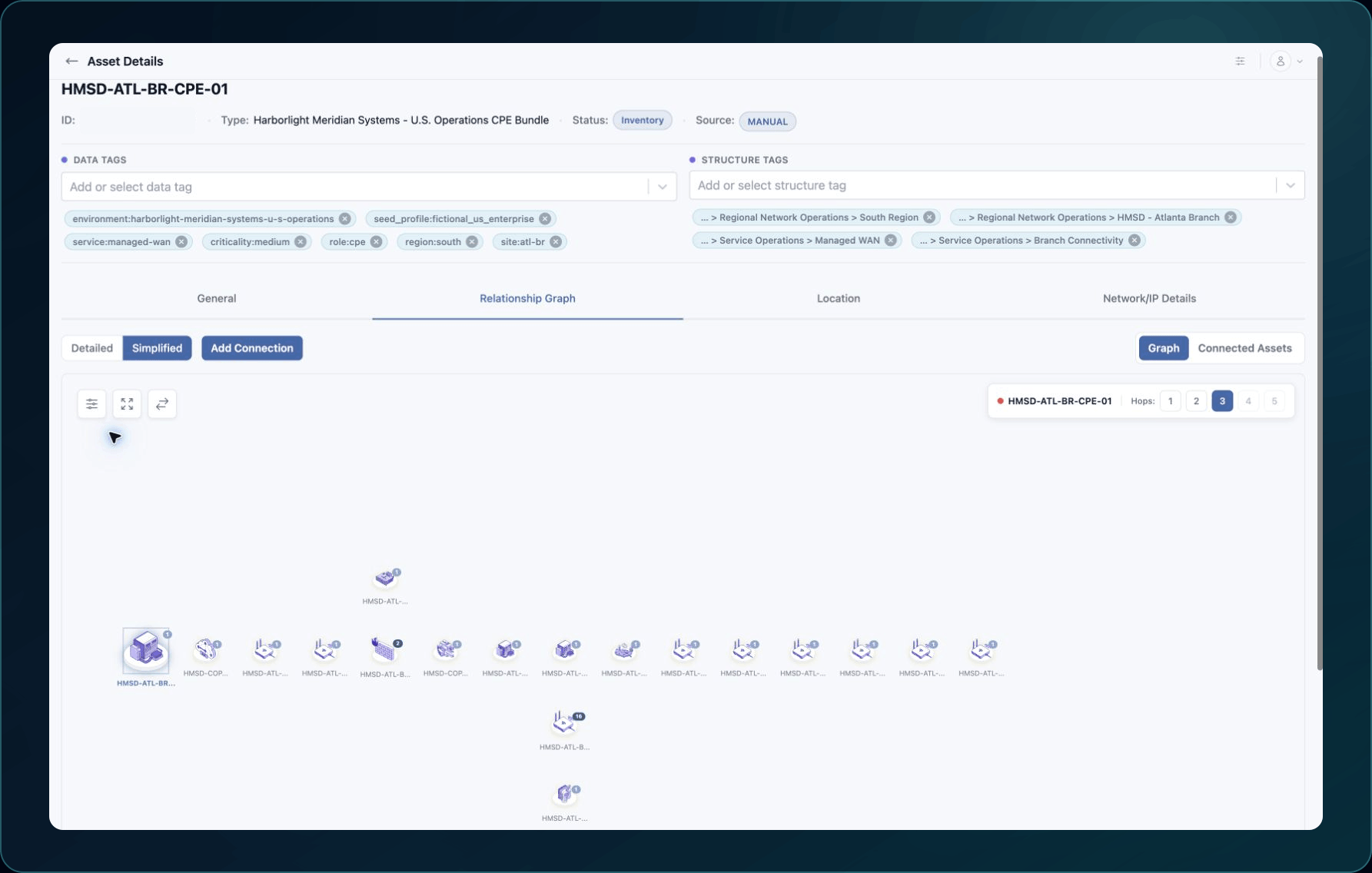
The quickest way to understand the workspace is to open a known Asset and follow one connection in its Relationship Graph. If the workspace has no data yet, start with the administrator path.
Common tasks
Choose between a manual Asset, bulk upload, or an Integration.
Update editable fields, tags, and catalog-backed choices, then verify the saved result.
Create a supported network connection or investigate a Relationship that already exists.
Start from AI, a template, or scratch, then configure the draft before publishing it.
Understand Structures, Elements, Collections, and the attachment paths between them.
Invite a user, assign a Role, and confirm the invitation status.
Before changing shared data, read Use a shared evaluation workspace safely. For definitions and navigation paths, use Product map and terminology.
Access varies by role
WanAware uses Role-based access. People in the same company may see different pages and actions.
If an instruction names a missing action, ask a customer administrator to check your Role. Use A page or action is missing before treating the issue as a product failure.
Something is not working
Start with Troubleshooting and support. Choose the article that matches the visible symptom or exact error before changing configuration or deleting data.
Get help
Email [email protected] with your company, affected user, page URL, timestamp and time zone, and the outcome you were trying to reach. Never send passwords, credentials, access tokens, secrets, or private keys.
Updated about 2 months ago