
Verify imported Inventory
Confirm that an integration produced the expected asset records and source context.
Outcome: Find a known source record and confirm that WanAware imported it into the correct workspace.
For: Customer administrators and engineers
Permission: read assets
Time: 5–10 minutes after collection finishes
Changes made: None
If you're stuck
- Clear all Inventory filters before searching by the source identifier.
- Check Discovery before assuming the record did not arrive.
- Use a stable source identifier, not only a display name that might have changed.
Before you start
- Choose two or three known, non-sensitive source records.
- Record their names and stable source identifiers.
- Wait for the integration collection to finish.
Field and checkpoint guide
| Value | Why it matters | Expected match |
|---|---|---|
| Source identifier | Distinguishes similarly named records | Exact source-system value |
| Asset name | Confirms recognizable identity | Current source name unless the value is customer-owned |
| Asset Type | Determines details and schema | Expected released type |
| Provider and source account context | Traces provenance | Intended saved integration |
| Collection time | Separates stale results from a missing import | After the source change being verified |
Verify the records
- Open Functions → Assets → Inventory.
- Clear all search terms and filters.
- Search for a known source identifier.
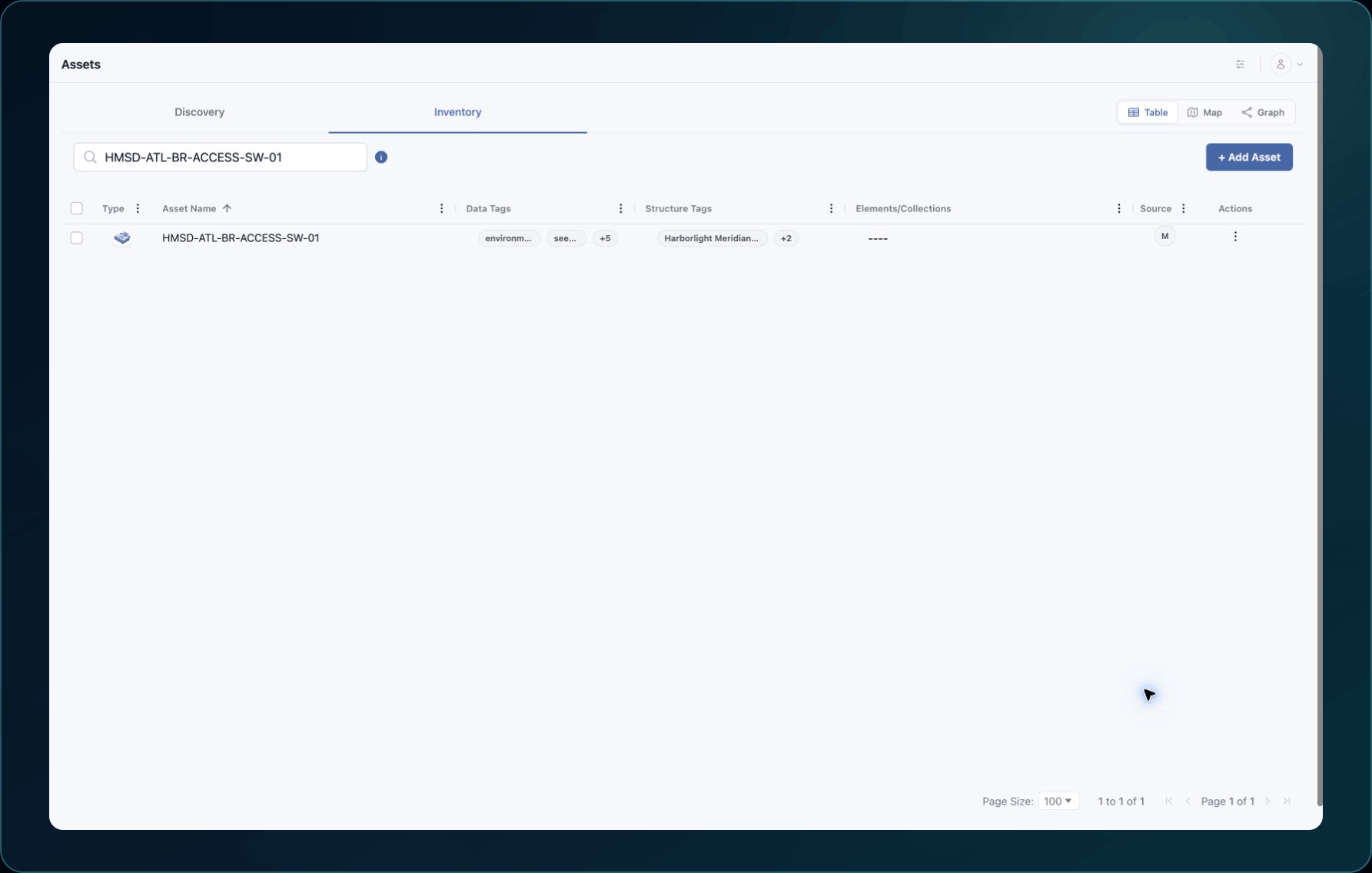
4. Open the matching asset.
5. Confirm its name, Asset Type, provider, source account context, and important detail fields.
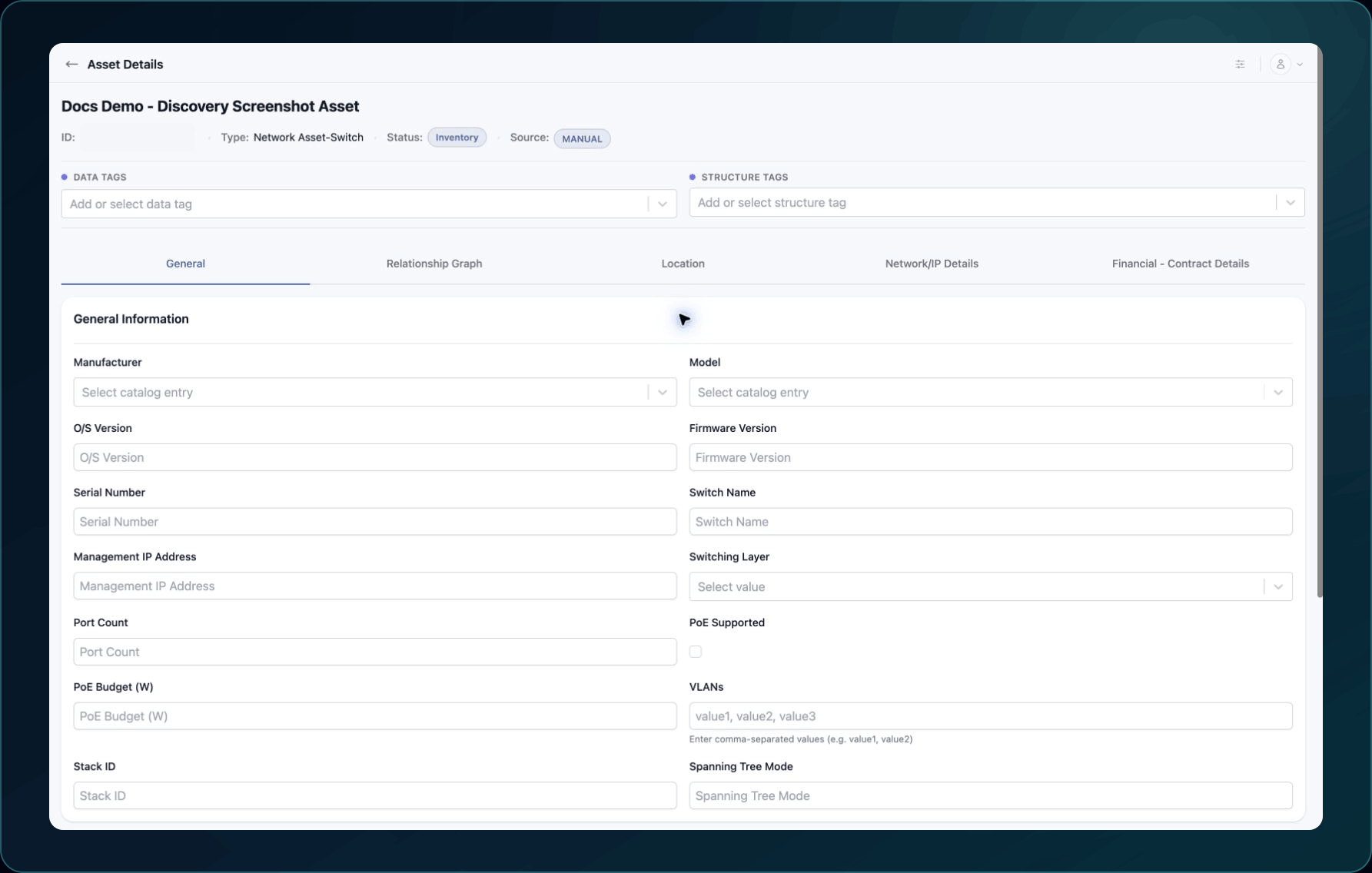
6. Repeat with a second source record of a different supported type.
Expected result: Each record appears once and shows the intended Integration as its source.
If a record is missing, also check Discovery and wait for active processing to finish. Then use Missing, stale, or duplicate assets.
Check your result
Compare the source and WanAware side by side. Record the source identifier, WanAware asset ID, and collection time for each verified example.
Learn and continue
- Learn: About integrations
- In WanAware: Open Functions → Assets → Inventory (
/assets/inventory).
Next steps
Get help
Email [email protected] with your company, affected user, provider, integration ID, sanitized source and asset IDs, page URL, collection timestamp and time zone, and expected versus actual behavior. Never send passwords, credentials, tokens, or secret values.
Updated about 2 months ago