
A Relationship is missing or unexpected
Check processing, source identity, graph filters, and relationship inputs before reporting a graph problem.
A relationship can appear after both assets are present and the applicable relationship processing has finished.
Fast checks
- Confirm the focused asset and company workspace.
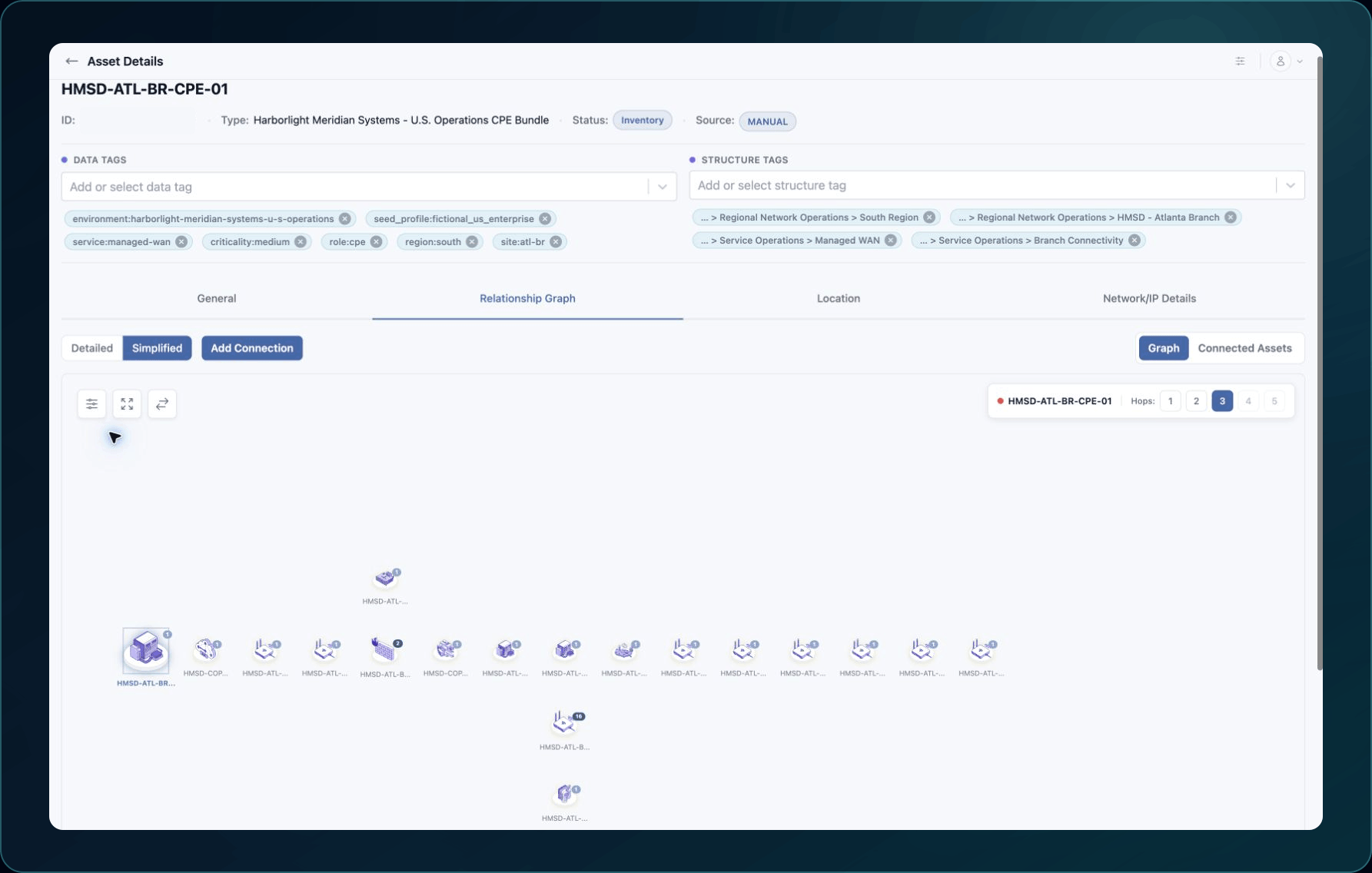
- Clear graph filters and grouping.
- Return to the smallest graph depth, then expand gradually.
- Confirm that both expected Assets exist and have the correct provider IDs.
- Wait for active collection or import processing to finish.
- Compare the source properties that should connect the two assets.
Common causes and fixes
| Symptom | Likely cause | What to do |
|---|---|---|
| Graph is empty | Filters, permissions, processing delay, or no supported relationship | Clear the view, confirm both assets, and wait for processing. |
| Expected asset is absent | The related asset is missing or in another workspace | Search Inventory and Discovery using its unique identifier. |
| Connection looks wrong | Similar names hide different source identities | Compare both WanAware IDs, provider IDs, accounts, and types. |
| Relationship disappeared | Source data changed or a related record was removed | Check the latest collection and both asset identities before editing anything. |
| Deep graph is incomplete | The requested depth exceeds currently available relationship data | Reduce depth and identify the first missing connection. |
Verify the fix
Open both assets from the graph and confirm their source identities. The relationship should make sense using current source properties, not display names alone.
Known limitations
Not every pair of assets should have a direct relationship, and not every asset type has the same relationship rules. Visual grouping does not create new relationships.
Get help
Email [email protected] and include:
- Company, page URL, graph depth, filters, timestamp, and time zone
- Both Asset IDs, Asset Types, provider IDs, and source account
- Expected Relationship, actual result, and a sanitized screenshot
Never send source-system credentials or secrets.
Updated about 2 months ago
Did this page help you?