
An Asset upload has validation errors
Correct file, schema, field, and duplicate errors before importing assets.
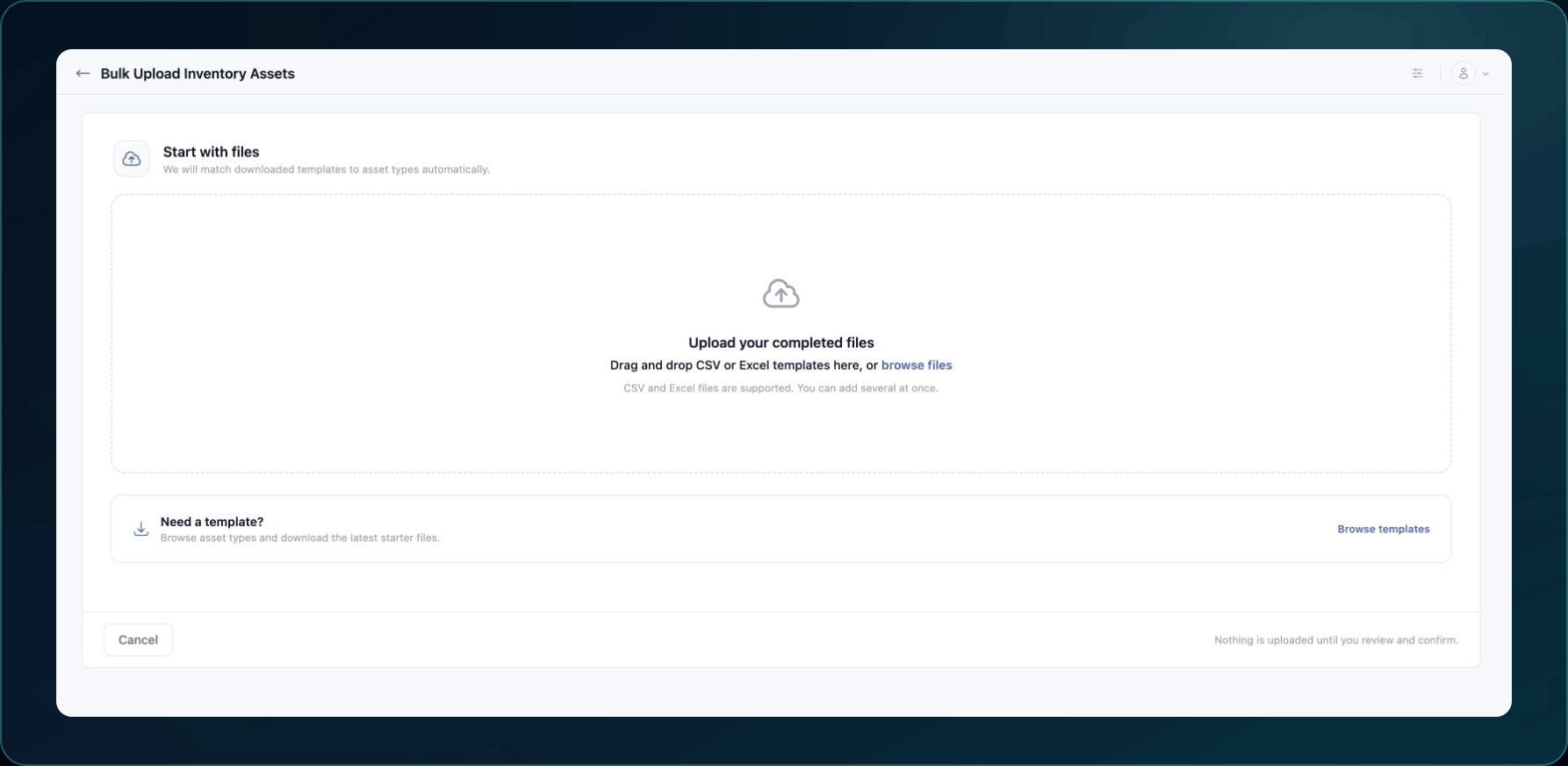
Use the uploader's current template. Templates and required fields can change as asset types change.
Fast checks
- Confirm that bulk upload is enabled and visible for your account.
- Download a new template from the current uploader.
- Keep the original column names and file type.
- Remove blank header rows, merged cells, formulas, and hidden formatting.
- Use one asset per row and one value format per column.
- Confirm required fields for the selected asset type.
- Upload a small test file before a large import.
Common causes and fixes
| Symptom | Likely cause | What to do |
|---|---|---|
| The uploader rejects the file before preview | Unsupported format, excessive size, or unreadable file | Save a fresh copy using the accepted format and current size limit. |
| Required field error | A required value or header is missing | Compare the rejected row with the current asset-type template. |
| Invalid value or type | Date, number, option, or identifier format is wrong | Use the example format and allowed option value exactly. |
| Unknown column | The file uses a renamed header or an older template | Move the data into a newly downloaded template. |
| Duplicate error | The source identifier already exists in the file or WanAware | Remove the duplicate or update the existing record through the supported workflow. |
| Some rows pass and some fail | Row-specific data is invalid | Correct only the rejected rows and avoid reimporting successful rows. |
Verify the fix
Upload the corrected file and confirm that preview validation passes. After submission, find one accepted row in Inventory or Discovery and confirm its type and source values.
Known limitations
Bulk upload may be hidden for a release or account. Do not try to reach an unpublished uploader through a copied URL.
Get help
Email [email protected] with your company, asset type, template version or download date, rejected row numbers, exact validation messages, page URL, and timestamp and time zone. Share a minimal sanitized sample only when Support requests it. Never include credentials, secrets, or unnecessary customer data.
Updated about 2 months ago