
Use Launchpad
Use Launchpad as a starting point, then move to the detailed record that answers your question.
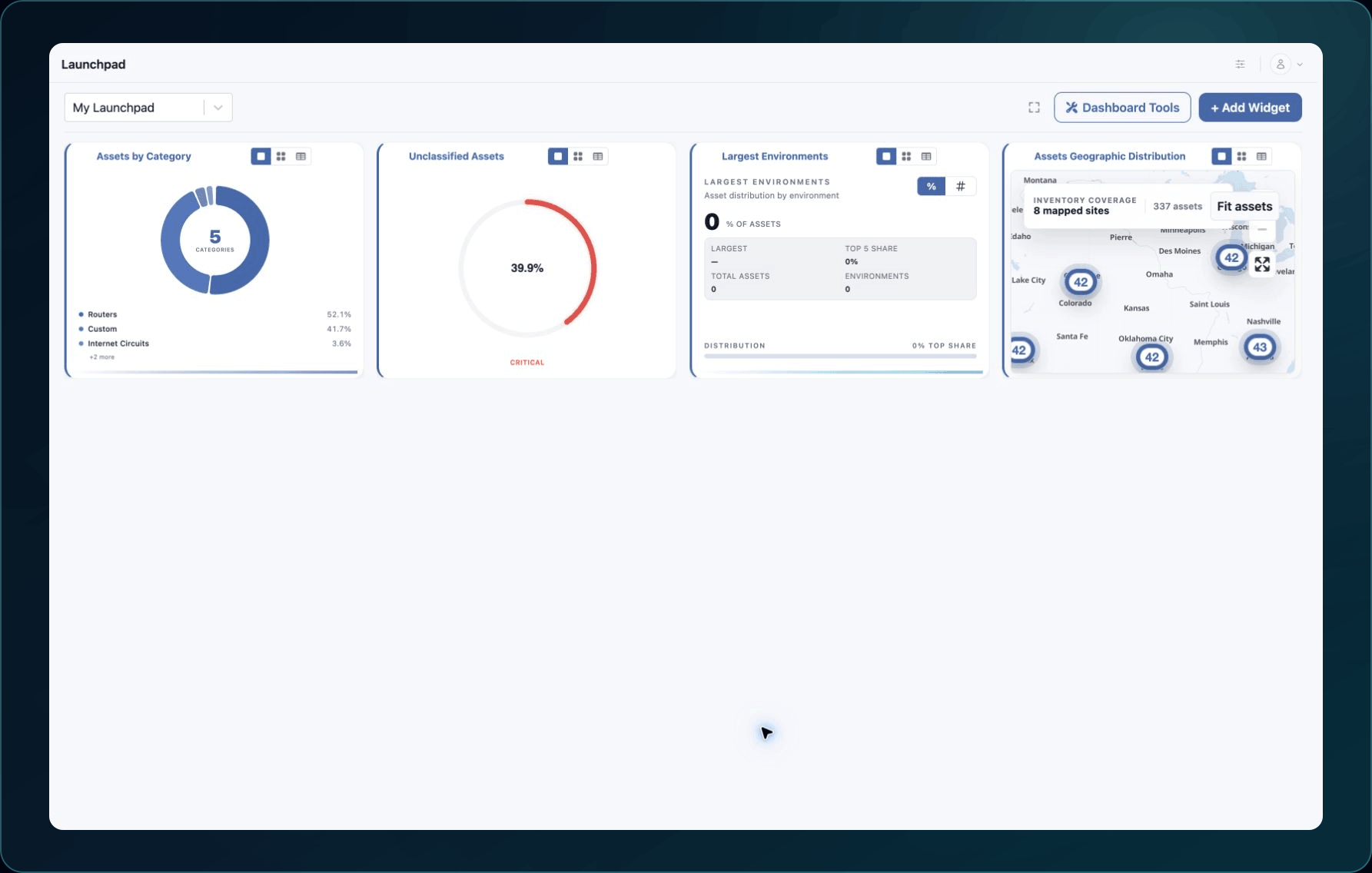
Launchpad is the starting view for your workspace. Its cards summarize available information and provide a route into detailed records. The exact cards and counts depend on your role, company configuration, and current data.
Use a card to identify what deserves attention, then open the related product area to confirm the underlying records. Do not treat a card count as an editable source of truth.
If Launchpad looks different
- Confirm that you are in the intended company workspace.
- Ask an administrator whether your role includes Launchpad and the linked area.
- Refresh after a recent import finishes.
- Compare a summary with the corresponding inventory before reporting a mismatch.
Continue with Your first 30 minutes or Find, filter, and inspect assets.
Get help
Email [email protected] with your company, affected user, card name, page URL, timestamp and time zone, and a screenshot with sensitive details removed. Never send passwords, credentials, tokens, or secret values.
Updated about 2 months ago