
An Asset is missing, stale, or duplicated
Determine whether filters, workspace context, crawl timing, status, or source identity explains an asset problem.
Do not delete or recreate an Asset until you have checked its source identity and processing state.
Fast checks
- Confirm the company workspace.
- Clear search, table filters, graph filters, and grouping.
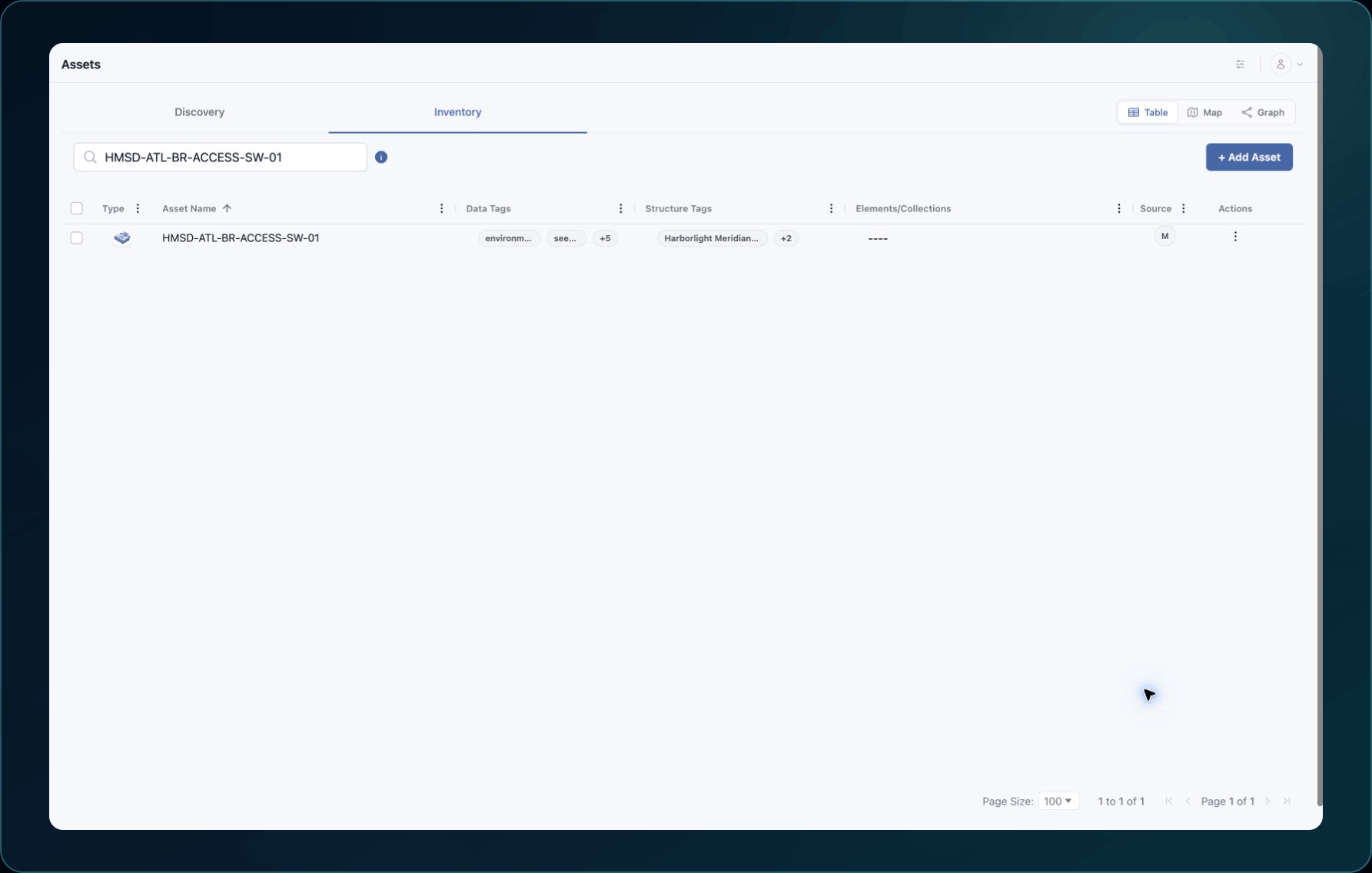
- Search both Inventory and Discovery.
- Search by the provider identifier or another unique value, not name alone.
- Confirm that the latest integration collection or bulk import finished.
- Open each apparent duplicate and compare source, account, type, and unique ID.
Common causes and fixes
| Symptom | Likely cause | What to do |
|---|---|---|
| Asset is missing from the current table | Filter, pagination, status, or workspace mismatch | Clear the view and search Inventory and Discovery in the correct company. |
| Newly connected resource is missing | WanAware is still processing collection or ingestion | Wait for completion and refresh; do not run repeated overlapping collections. |
| Asset details look old | The latest collection occurred before the source change | Verify the Integration, run one approved collection, and allow processing to finish. |
| Two Assets have the same display name | They represent different source resources, or someone created one manually | Compare source account, provider ID, Asset Type, and WanAware Asset ID. |
| Two records represent the same source ID | Deduplication or mapping may need review | Preserve both records and send their IDs to Support. |
Verify the fix
Open the asset and confirm that its type, status, source account, provider identifier, and updated properties match the intended resource.
Known limitations
Display names are not always unique. A correct inventory may contain similarly named resources from different accounts, regions, providers, or asset types.
Get help
Email [email protected] and include:
- Company, page URL, filters checked, timestamp, and time zone
- All relevant Asset IDs, provider ID, and source account
- Latest collection or import time and sanitized screenshots
Never send provider credentials or secret properties.
Updated about 2 months ago
Did this page help you?