
An Element or Collection does not attach to a Structure
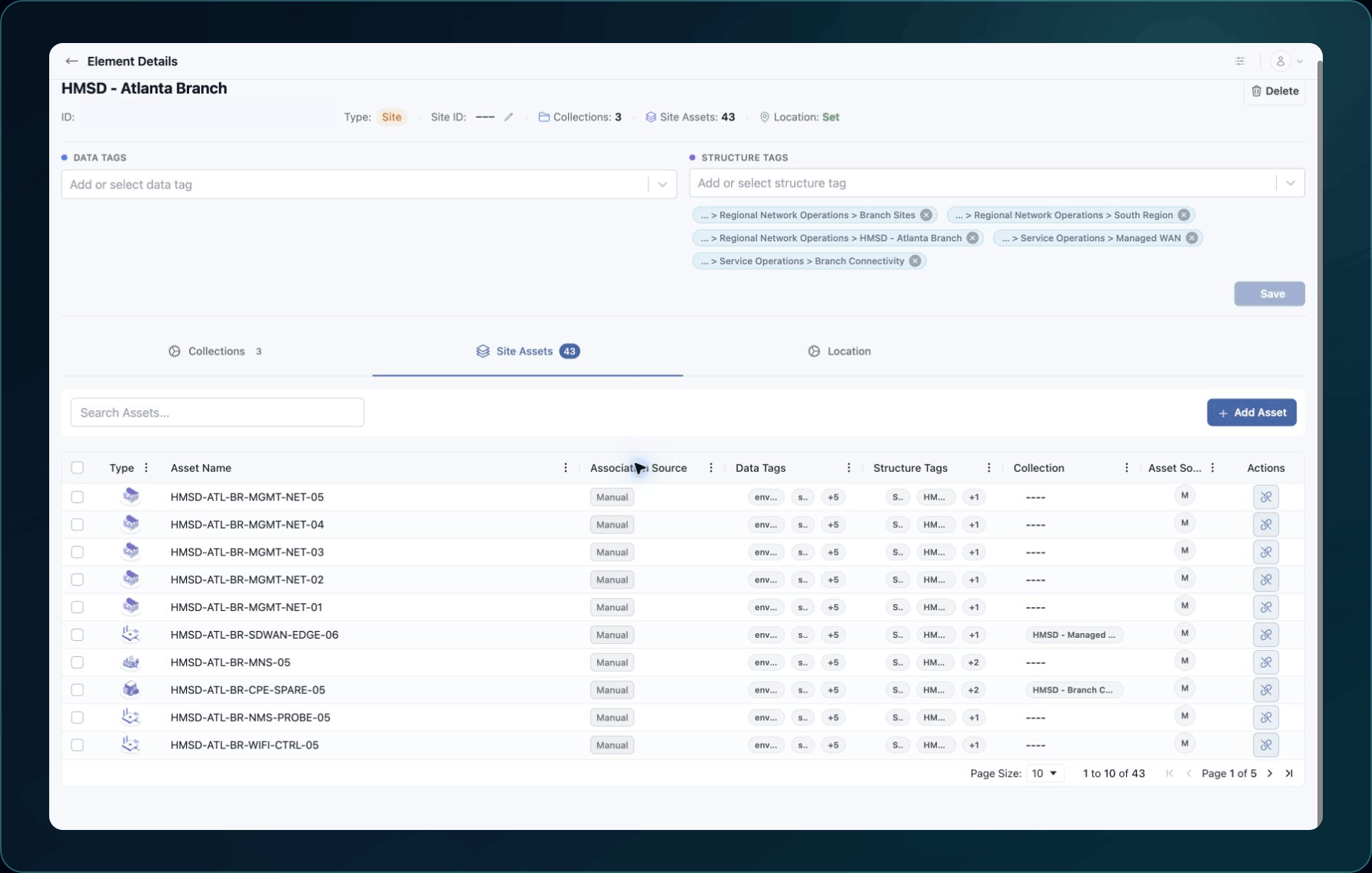
Fix missing Structure Tags, unavailable assets, failed saves, and unexpected attachments.
Use this page when a Structure Tag or Asset cannot be selected, saved, removed, or found in the expected organizational view.
Fast checks
- Confirm the company workspace and exact record IDs.
- Refresh and search for the Structure, Element, Collection, or Asset by exact name.
- Confirm the Structure Tag already exists.
- Clear filters in the tag or Asset selector.
- Check both update permission and the relationship permission.
- Reopen the record and inspect its current attachments.
Common causes and fixes
| Symptom | Likely cause | What to do |
|---|---|---|
| Structure Tag is missing | Wrong company, filter, nonexistent tag, or no access | Clear the selector, verify the Structure, and ask an administrator to review permission. |
| Element attachment does not save | Element update or Structure Tag relationship access is missing | Request the smallest required permission, then retry the same record. |
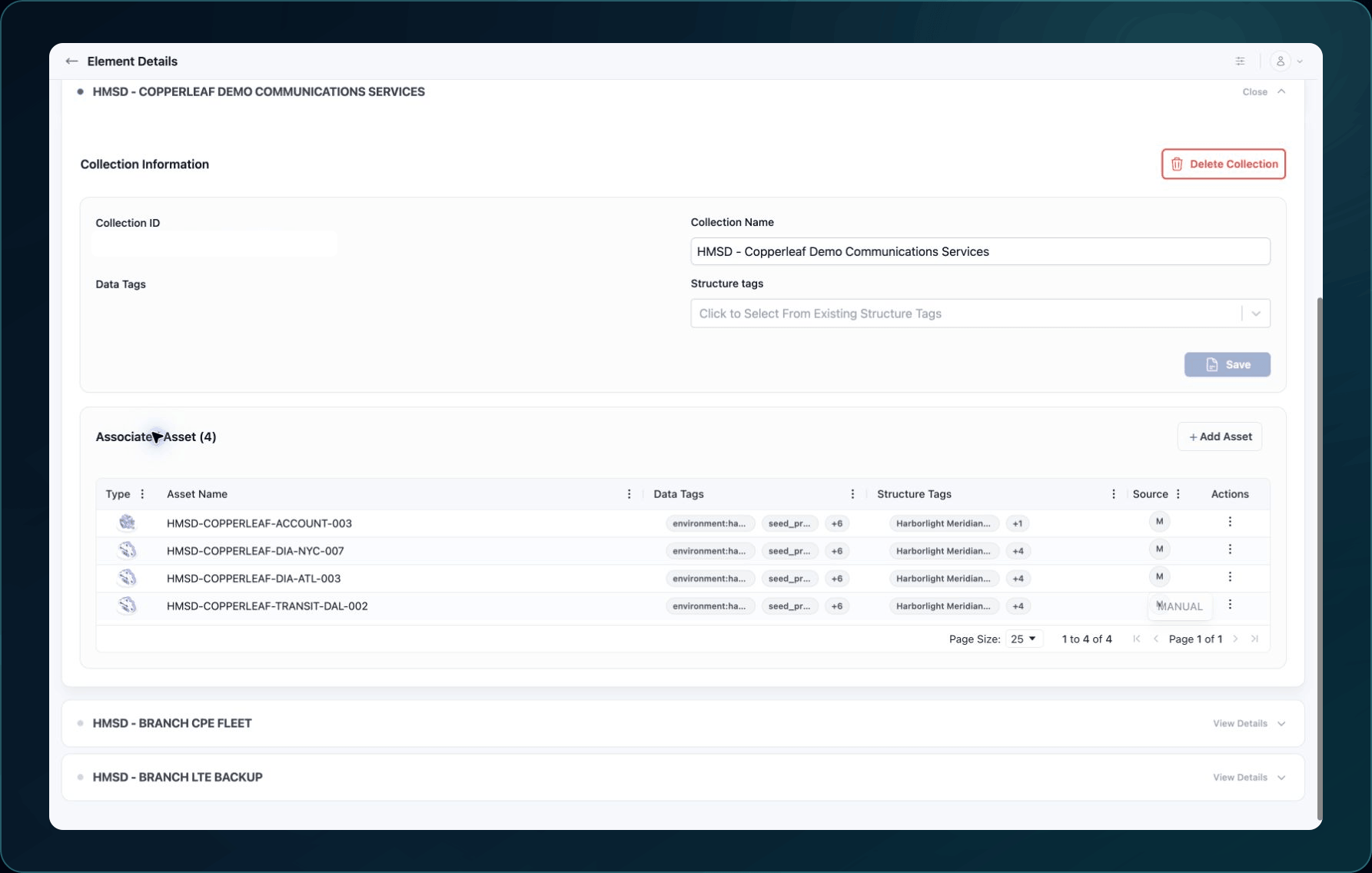
| Collection attachment does not save | Collection update or relationship access is missing | Confirm both permissions and save after changing the tag. |
| Asset is missing from a Collection selector | Filters hide the Asset, it has another status, or the Role lacks access | Clear filters, search Inventory and Discovery, and confirm the Asset ID. |
| Attachment appears under the wrong node | A similarly named tag was selected | Compare Structure IDs, detach the incorrect tag, and apply the intended one. |
| Removed attachment still appears | The page is stale or the save failed | Refresh, reopen the record, and verify the saved tag list. |
Verify the fix
Refresh the source record, confirm its selected tags or assets, then open the Structure or parent Element and verify the record appears in the intended view.
Known limitations
Matching names do not create attachments. Save the Relationship through the supported Structure Tag or Asset-selection control.
The record type and Permission determine which views the Portal displays.
Get help
Email [email protected] with your company, affected user, Structure, Element, Collection, tag, and asset IDs as relevant, page URL, timestamp and time zone, reproduction steps, and exact error. Never send passwords, credentials, tokens, or secret values.
Updated about 2 months ago