
An Asset Type does not save or publish
Resolve draft validation, dependency, permission, and publication problems.
Use this page when Save Draft, Save Changes, or Publish is unavailable or returns an error.
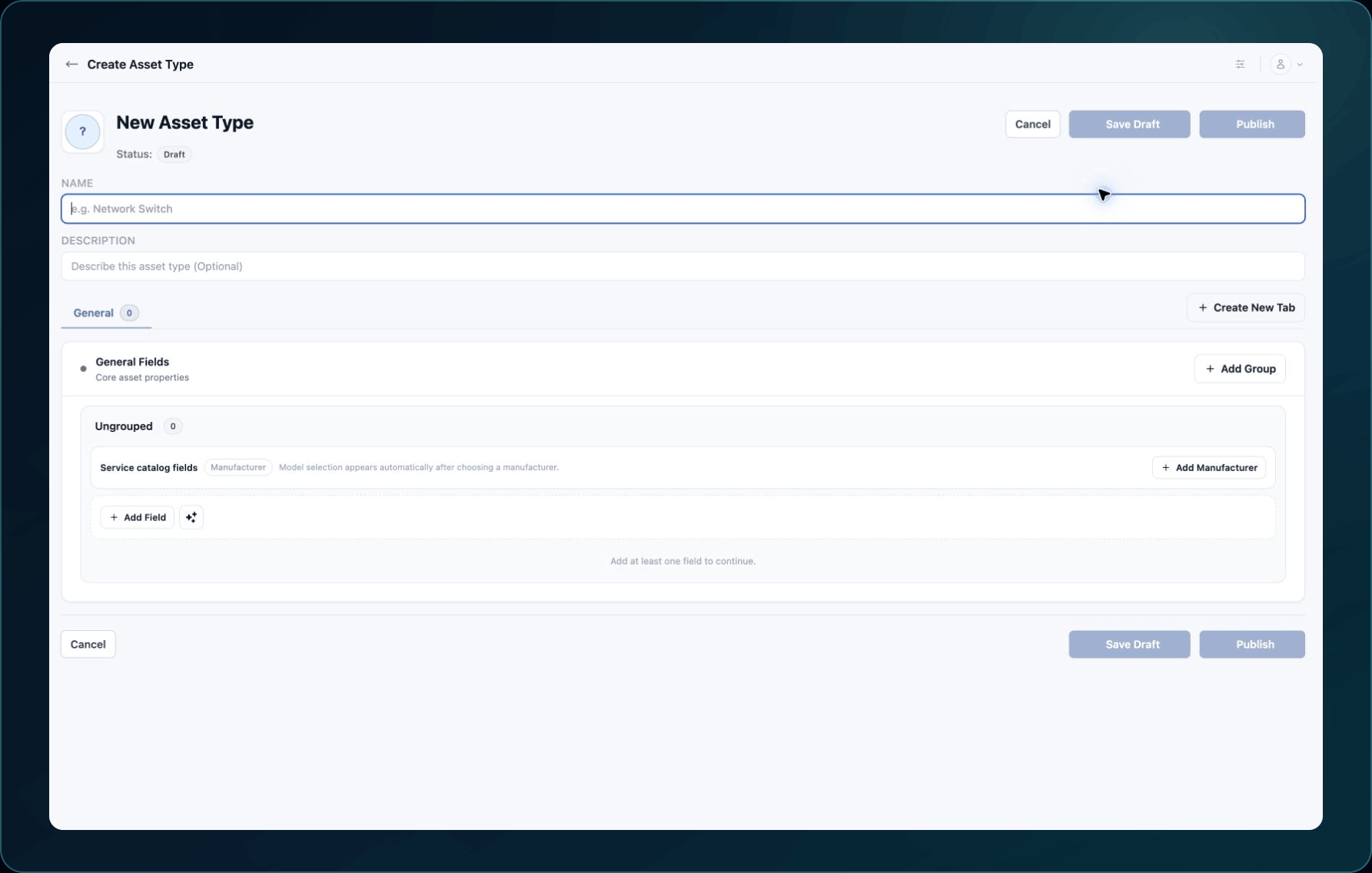
WanAware displays Save Draft while creating a draft and Save Changes while editing one. Use the exact label shown for the current Asset Type state.
Fast checks
- Confirm the Asset Type is the intended customer draft.
- Check your create or update permission.
- Complete Name and every required section or field setting.
- Resolve invalid field dependencies.
- Save and verify the Service Catalog before publishing.
- Refresh once and reopen the same Asset Type by ID.
Common causes and fixes
| Symptom | Likely cause | What to do |
|---|---|---|
| Save Draft or Save Changes is unavailable | No unsaved change or insufficient Permission | Make the intended edit or ask an administrator to review the Asset Types Permission. |
| Save Draft or Save Changes reports validation errors | A name, field, input type, or required setting is incomplete | Correct each labeled field and select the displayed save control again. |
| Dependency cannot be saved | Parent and dependent fields are incompatible or missing | Select valid fields and confirm their input settings. |
| Publish is unavailable | The record is not an editable draft or required setup is incomplete | Confirm status and finish the draft and catalog checks. |
| Publish returns an error | Validation, permission, or a temporary request failure | Preserve the draft, record the exact error, and retry once after correcting the named issue. |
| Published schema cannot be edited | Publication made the custom schema read-only | Do not create a replacement without an impact review; contact Support. |
Verify the fix
Reopen the Asset Type from the list. A saved draft should retain all sections and fields. A successful publication should show Published status and expose the expected fields on a documentation-only asset.
Known limitations
Publishing can make a custom schema read-only. Support may need Product approval before recommending a replacement or migration for an incorrect published schema.
Get help
Email [email protected] and include:
- Company, affected user, page URL, timestamp, and time zone
- Asset Type ID, status, and failed action
- Reproduction steps and the exact error
Never send passwords, credentials, tokens, or secret values.
Updated about 2 months ago