
An Integration does not connect or collect
Diagnose setup, authorization, connection-test, and data-collection failures for supported integrations.
Use these checks when WanAware cannot start provider setup, save an integration, verify access, or collect data.
Fast checks
- Confirm that you are connecting the intended provider account to the correct WanAware company.
- Recheck the account identifier and every required setup value.
- Confirm that the provider-side authorization or deployment finished successfully.
- Make sure the saved identity and trust values belong to the same provider account.
- If the provider card displays Test connection, select it before starting data collection.
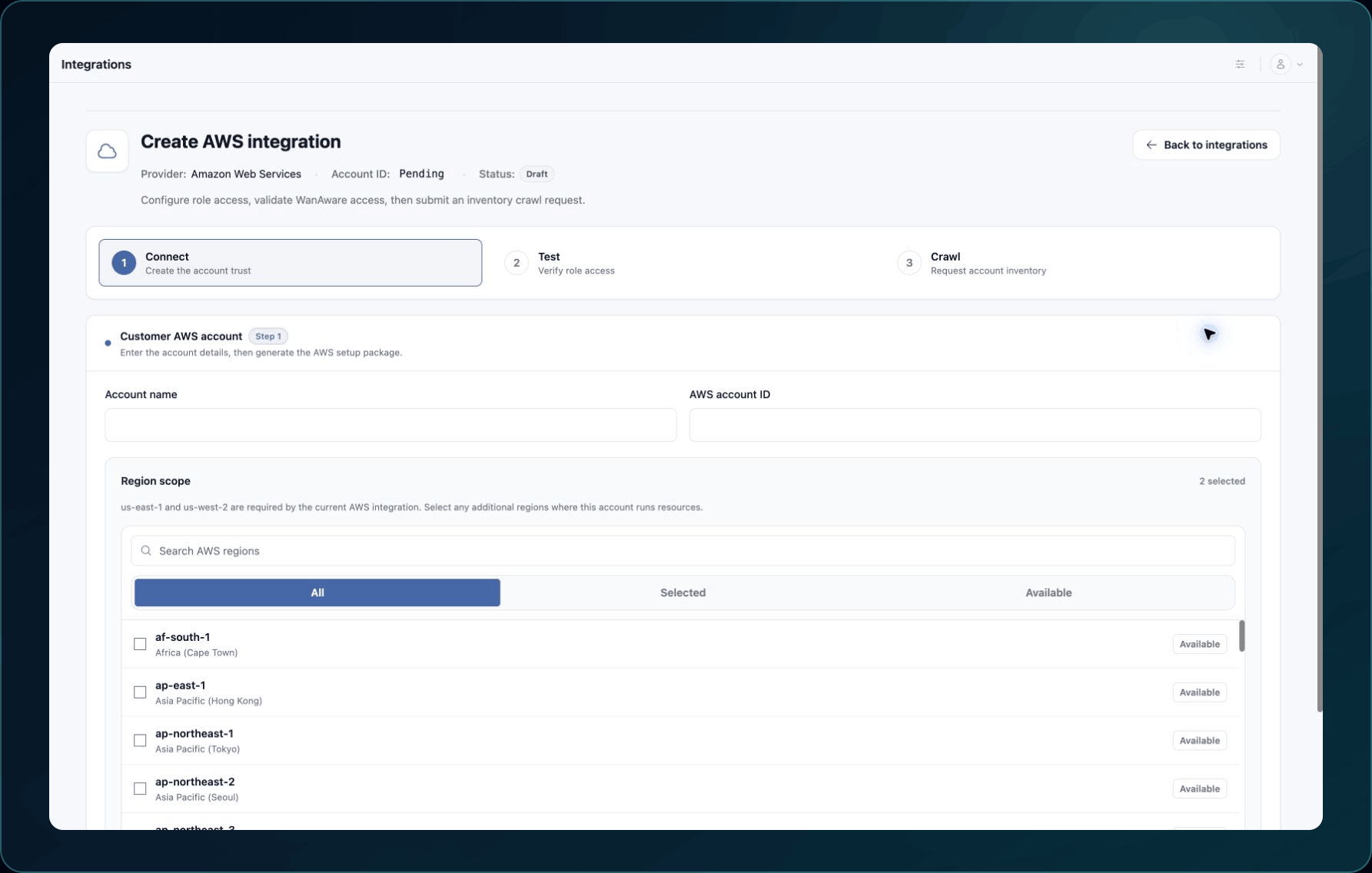
6. If a setup or authorization link expired, restart that part of the setup instead of reusing the old URL.
Common causes and fixes
| Message or symptom | Likely cause | What to do |
|---|---|---|
| Provider setup does not start | Invalid account details, an expired setup session, or a temporary service failure | Recheck the account name and identifier, restart setup, then retry once. |
| Provider authorization or deployment fails | Your provider user lacks permission, approval is required, or a conflicting resource exists | Review the provider's error with the source account owner and resolve the named permission or resource problem. |
| The Integration does not save | A required value is missing, invalid, or from a different setup attempt | Return to the setup step and compare every saved value with the current provider configuration. |
| Test connection fails | The authorization, trust settings, network access, or provider permissions do not match | Correct the provider-side configuration, then test again. |
| The collection does not start | The connection is unverified or collection is temporarily unavailable | Select Test connection, wait briefly, and submit the collection request once more. |
| Collection finishes but no assets appear | Processing is still running, the source returned no supported resources, or filters hide the results | Allow processing time, refresh Assets, then search both Inventory and Discovery without filters. |
Use the matching provider adapter for provider-specific fields, authorization, and source-side checks.
Verify the fix
The integration should show a connected or ready status, its connection test should pass, and a known source resource should appear after collection finishes.
Known limitations
WanAware cannot override a provider permission boundary, organization policy, approval requirement, or network restriction. Work with the source account owner when the provider reports one of these restrictions.
Get help
Email [email protected] and include:
- Company, affected user, page URL, timestamp, and time zone
- Provider, Integration or account identifier, failed stage, and provider status
- Reproduction steps, expected result, and the exact error text
Never send passwords, access keys, secret keys, session tokens, private keys, or secret values.
Updated about 2 months ago